Documentation Banners & Content (HTML, MDX, Mermaid) for JSM, Help & ITSM - Template Types
Markdown
Syntax guide for adding markdown: Markdown Cheatsheet
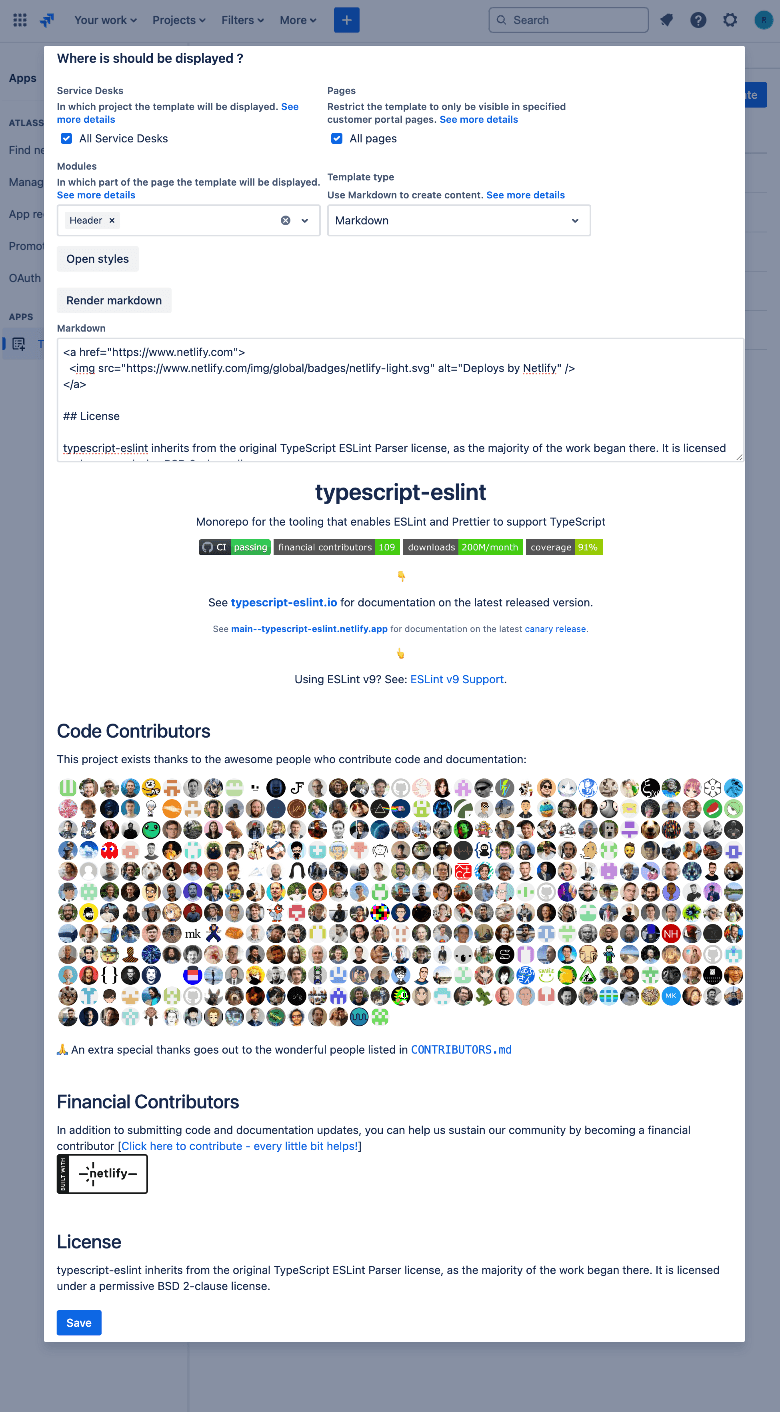
Example code for adding a chart
```mermaid
  graph TD;
  A--{">"}B;
  A--{">"}C;
  B--{">"}D;
  C--{">"}D;
  ```
*** ### Markdown Link
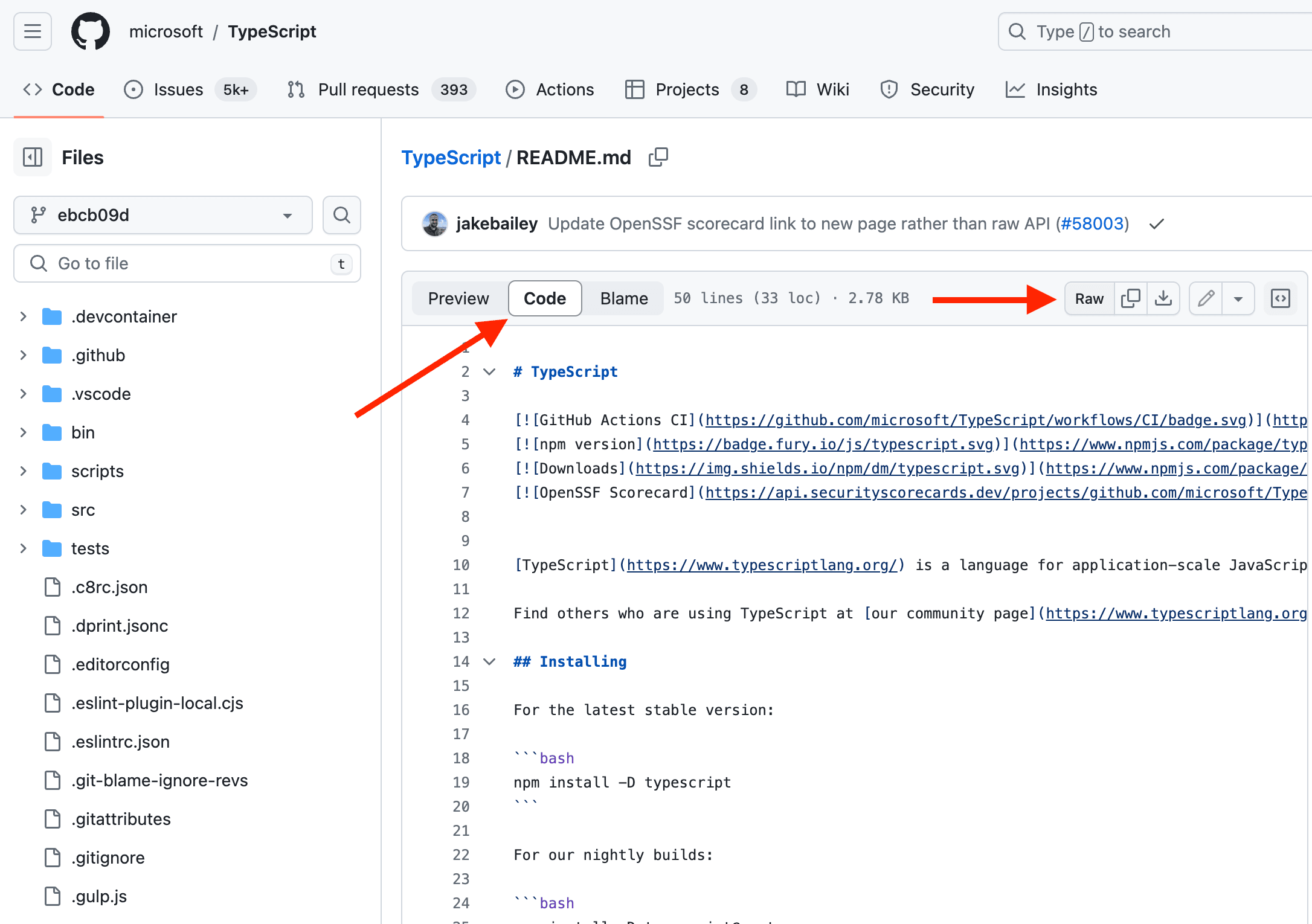
Just add a link to download the markdown.
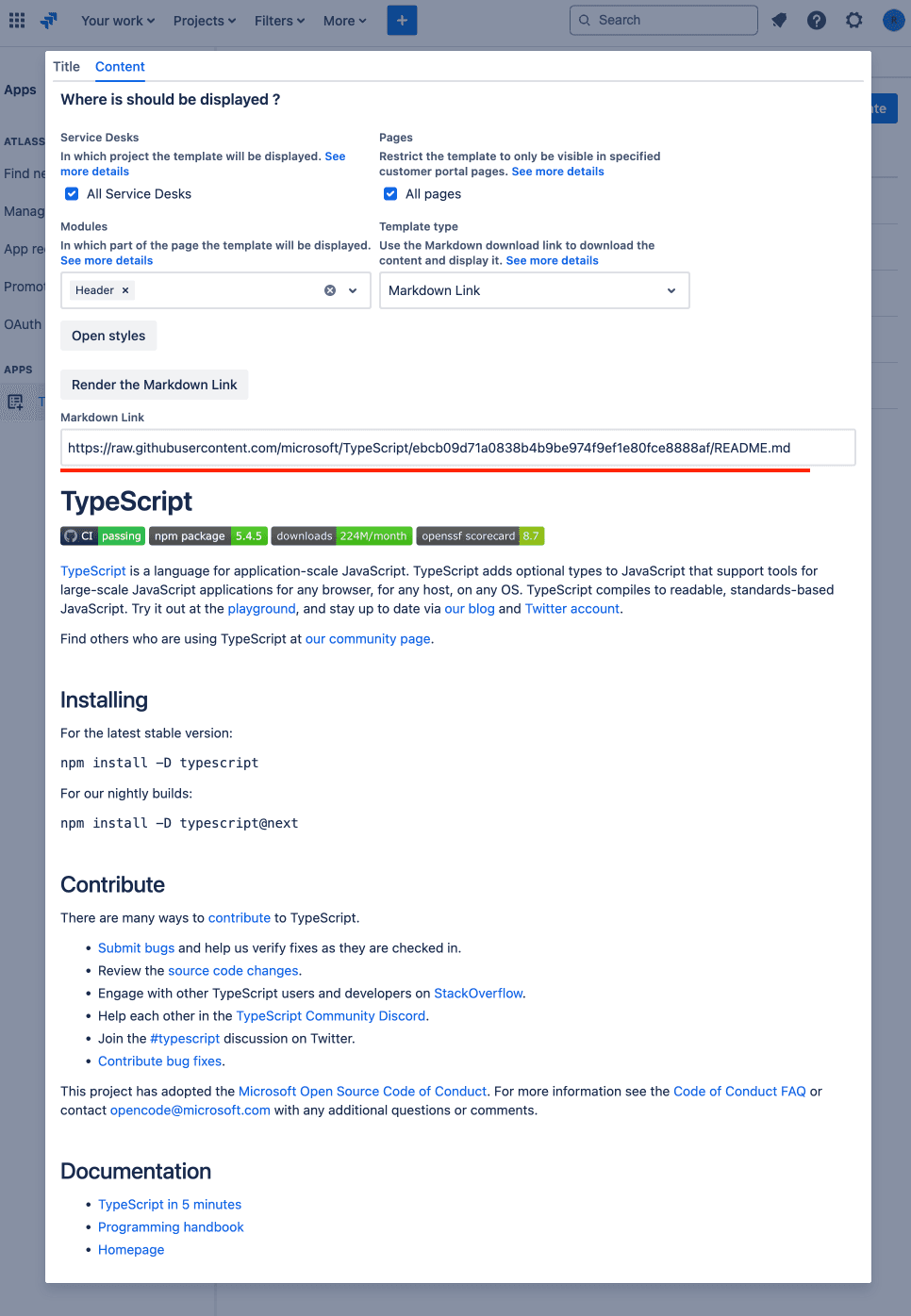
To generate a link to GitHub markdown:
- Copy permalink
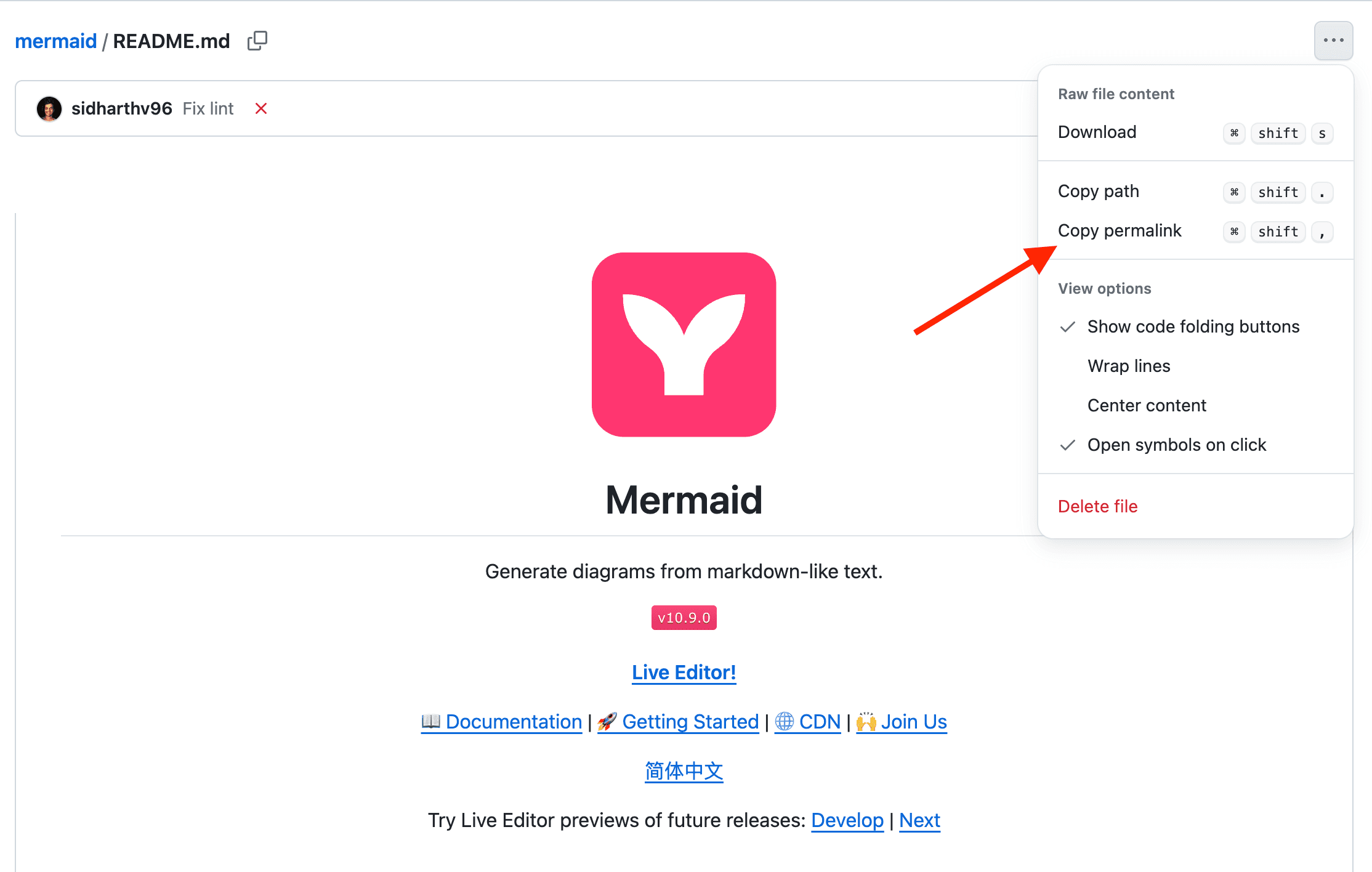
- Open the link
- Click on the 'code' button
- Click on the 'raw' button
*** ### Video Link
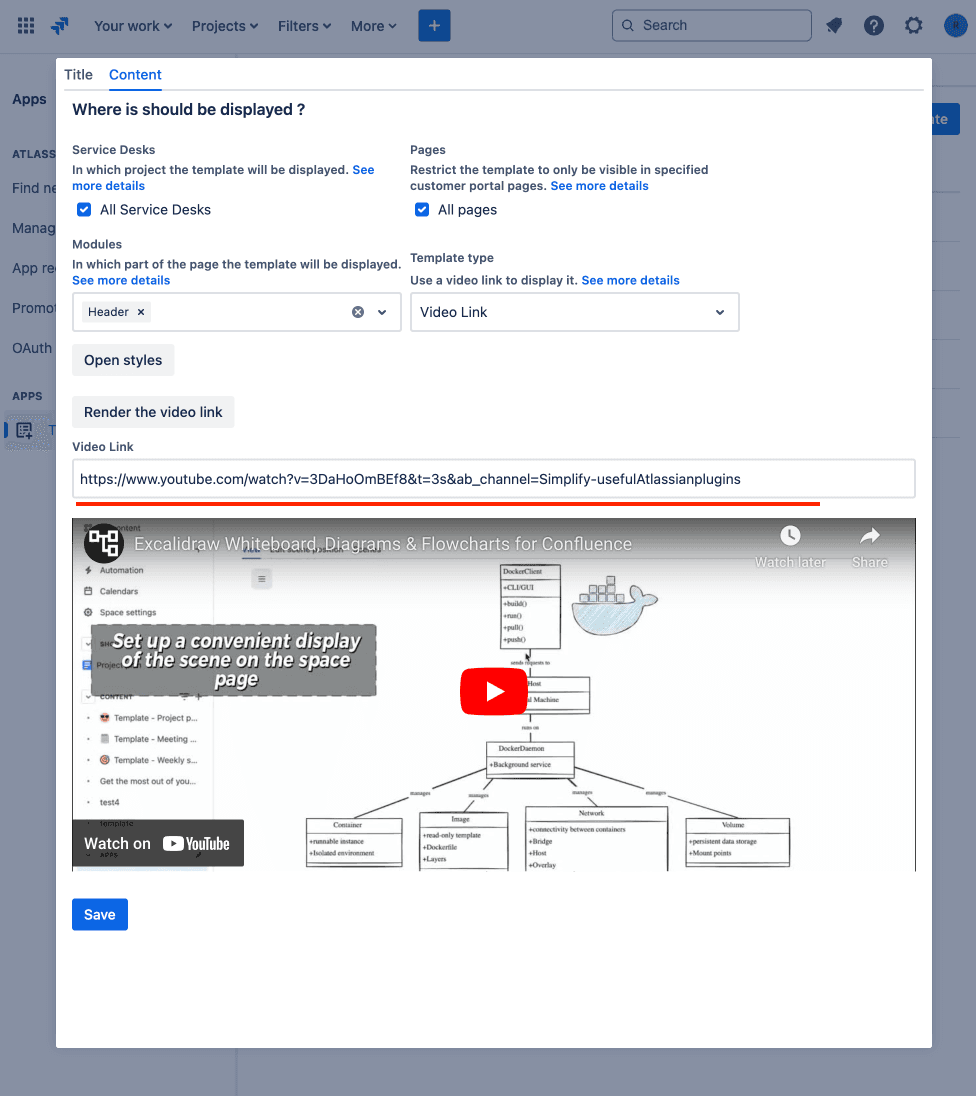
Just add a link to your video.
*** ### HTML Code
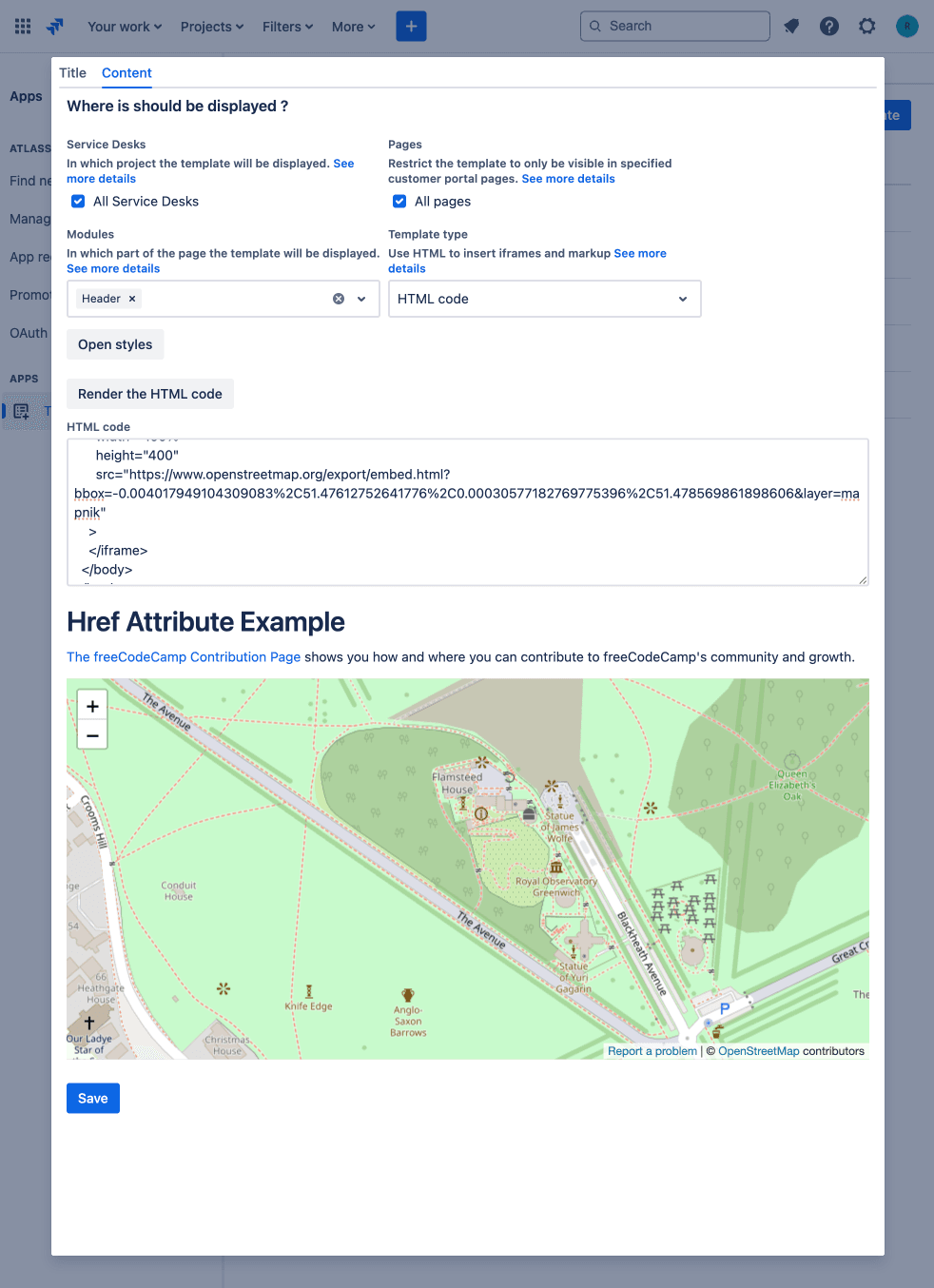
Add HTML code to generate custom content.
  <html>
    <head>
      <title>Href Attribute Example</title>
    </head>
    <body>
      <h1>Href Attribute Example</h1>
      <p>
        <a href="https://www.freecodecamp.org/contribute/"
          >The freeCodeCamp Contribution Page</a
        >
        shows you how and where you can contribute to freeCodeCamp's community and
        growth.
      </p>
      <br />
      <iframe
        id="inlineFrameExample"
        title="Inline Frame Example"
        width="100%"
        height="400"
        src="https://www.openstreetmap.org/export/embed.html?bbox=-0.004017949104309083%2C51.47612752641776%2C0.00030577182769775396%2C51.478569861898606&layer=mapnik"
      >
      </iframe>
    </body>
  </html>
*** ### Website Link
Just add a link to your website.
Please note: it must be no "X-Frame-Options" present on the website to embed.
We also recommend setting the height in pixels using this template type.

*** ### Flowchart
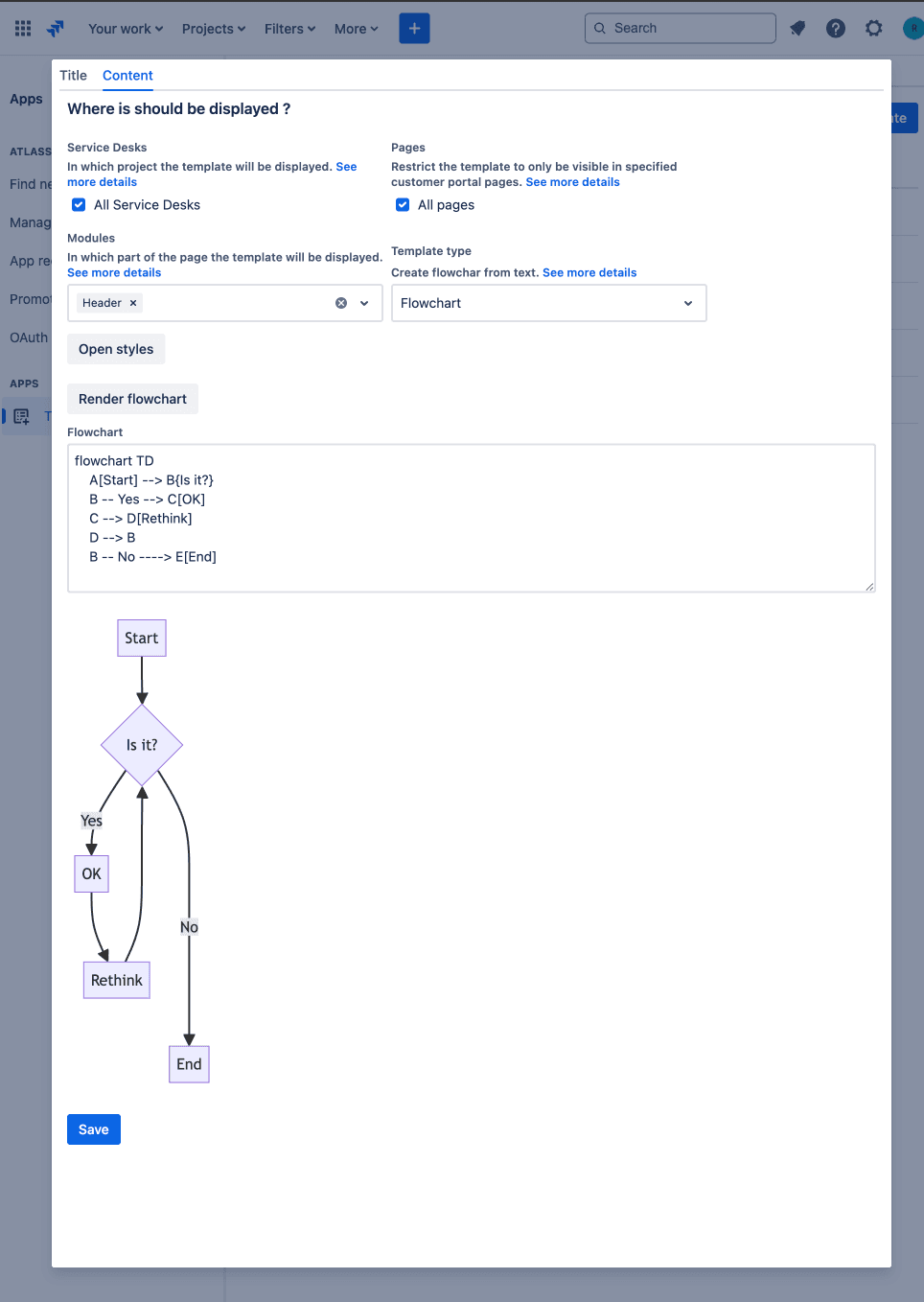
Syntax guide for adding markdown: Mermaid Syntax Guide
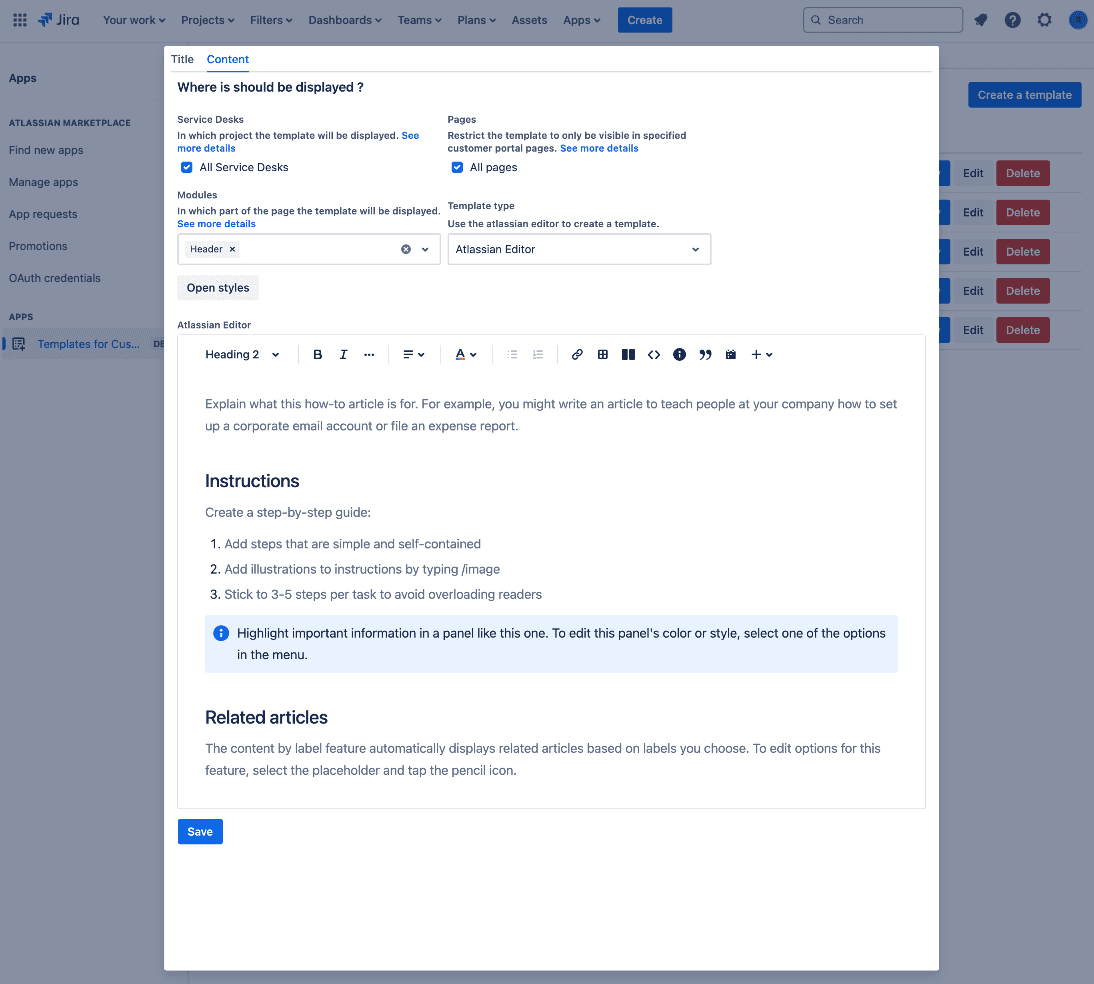
*** ### Atlassian Editor
Create content using your familiar Atlassian editor!
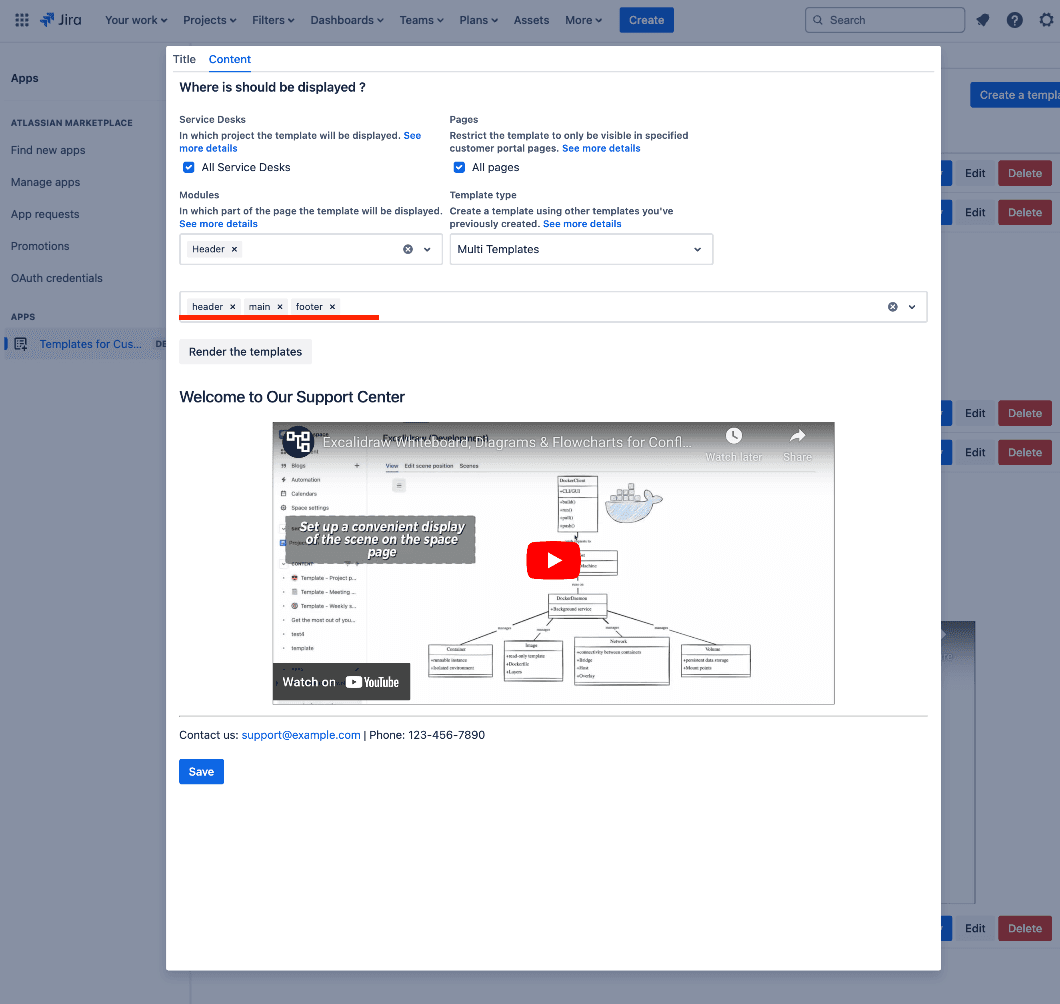
*** ### Multi Templates
Combine the templates you created earlier into one!
Templates will be rendered in the order they were added - from left to right.